
Zino Product Video for WooCommerce
Add engaging videos to your WooCommerce products. Show your products in action and help customers shop with confidence.
$29/year | $89 Lifetime
1.0.0
Latest Version
2026-09-22
Last Updated
14-Day
Money-Back Guarantee
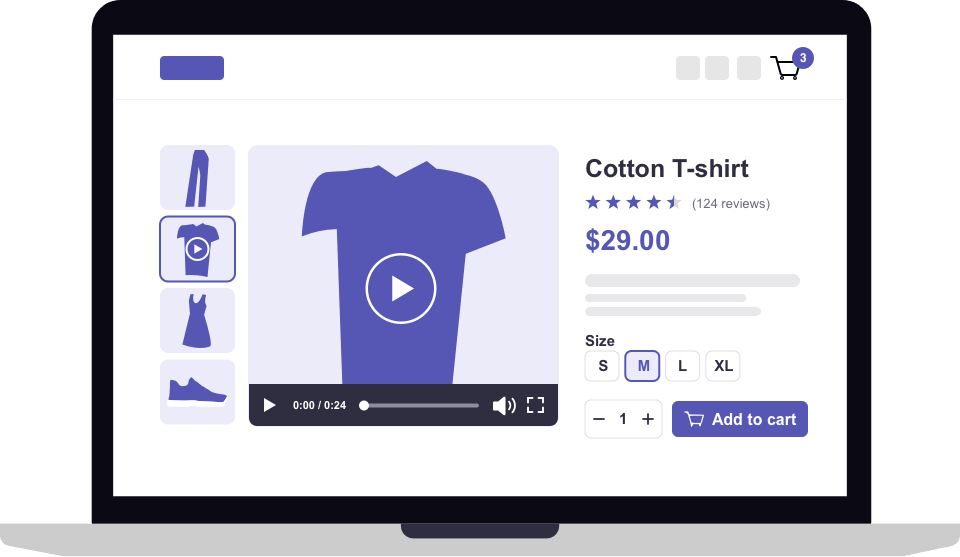
Embed videos into your WooCommerce product galleries to drive more sales!
Add videos to your WooCommerce product galleries and give customers a better way to see your products in action. Zino Product Video for WooCommerce lets you add multiple videos alongside product images and gives you complete control over their placement, loading, playback, and appearance.
Create a more engaging product experience with flexible video settings, custom thumbnails, multiple play button styles, and display options designed to fit seamlessly into your WooCommerce store.
Key Features
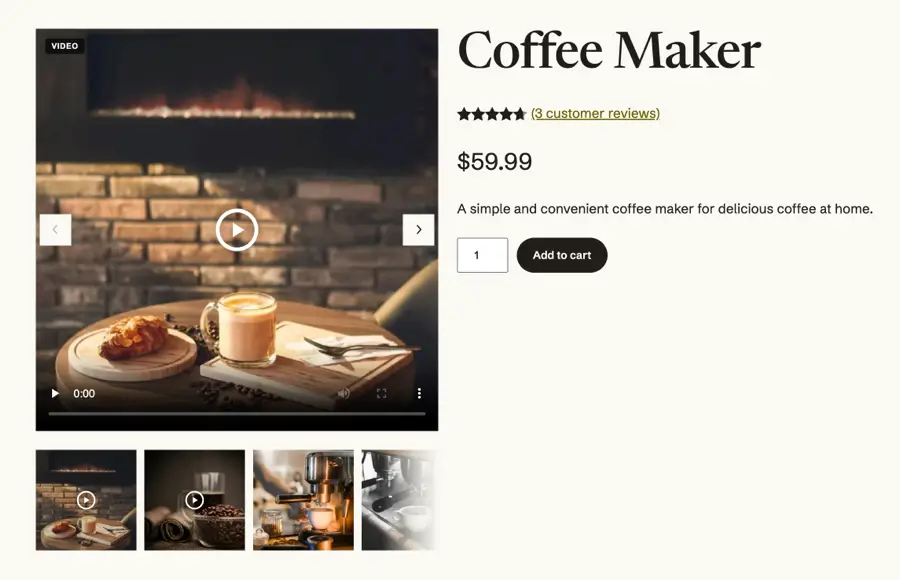
- Videos in the product gallery – Add videos alongside product images in the classic WooCommerce gallery or the block-based Product Gallery block. Customers can switch between images and videos naturally.
- Use videos from anywhere – Upload MP4 or WebM videos, embed videos from YouTube or Vimeo, or use videos hosted on an external URL or CDN.
- Multiple videos per product – Add multiple videos to each product and arrange them in your preferred order.
- Custom poster images – Choose a custom image to display before a video starts playing.
- Flexible gallery position – Display videos as the first item, after the featured image, or at the end of the product gallery.
- Playback controls – Configure autoplay, loop, muted playback, and player controls to create the experience you want.
- Performance-focused loading – Choose how videos load with options for lazy loading, metadata only, or preloading.
- Responsive video display – Choose from multiple aspect ratios, including 16:9, 4:3, 1:1, 9:16, or the video’s original ratio.
- Custom video appearance – Choose from 6 play icon styles, customize the icon color and size, and control how videos fit within their display area.
- Video gallery badge – Add an optional custom “Video” badge to make video items easy to identify in the product gallery.